Running a business or managing office work is not always about big tasks. Most of the time, the real pressure comes from small repeated work — making invoices, updating expense sheets, checking stock, preparing reports, planning content, or organizing customer details.
These tasks may look simple, but they take time. And when you have to do them again and again, they can slow down your whole workday.
This is where digital product files can help.
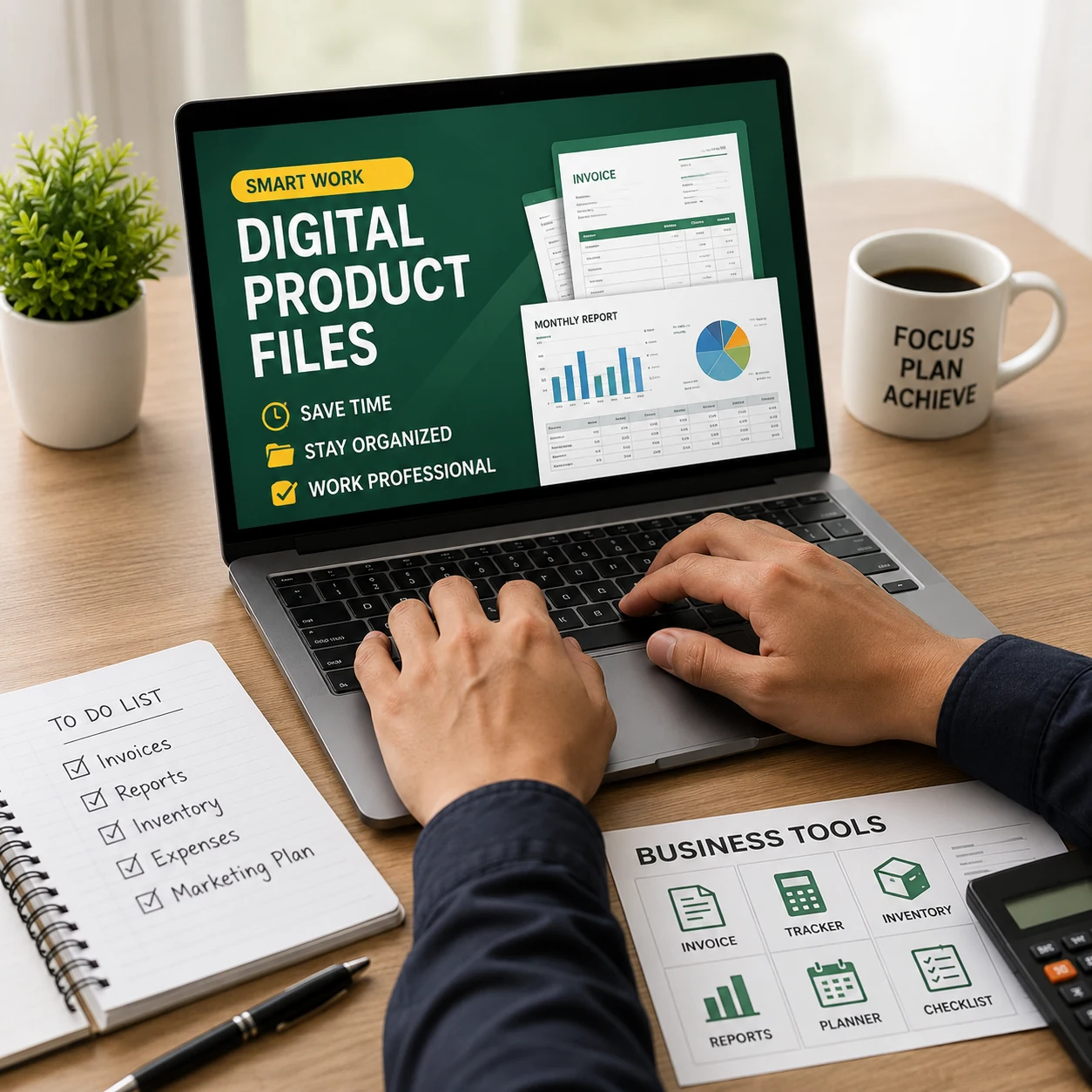
A digital product file is a ready-to-use file that you can download and use for your work. It can be an Excel template, invoice format, expense tracker, planner, checklist, business form, report file, or automation template. Instead of creating everything from zero, you can start with a prepared file and edit it based on your needs.
For small business owners, freelancers, students, marketers, and office workers, these files can be very useful.
What Are Digital Product Files?
Digital product files are online files that you can use after downloading. You do not need to wait for delivery because there is no physical product. Once you get the file, you can open it on your computer or supported software and start using it.
Some common examples are:
Excel templates, invoice templates, expense trackers, inventory sheets, business planners, content calendars, checklists, reports, printable forms, and automation files.
The main purpose of these files is simple: they help you work faster without building everything manually.
For example, if you need an invoice, you do not have to design a new one every time. You can use a ready-made invoice template, add your business details, enter the client information, and send it.
That saves time and makes your work look more professional.
Why These Files Are Helpful
Many people waste a lot of time creating the same types of documents again and again. They open a blank file, make tables, adjust columns, write headings, add formulas, fix spacing, and check mistakes.
Sometimes the final file works. Sometimes it looks messy.
A ready-made digital file gives you a better starting point. The structure is already there. You only need to add your own data and make small changes.
This is helpful because it reduces manual work. It also helps you avoid common mistakes, especially in Excel files where formulas, totals, and calculations matter.
For a small business, even a simple mistake in an invoice, expense sheet, or inventory record can create confusion. A clean template can make the process easier and more organized.
Use Digital Files for Business Reports
Reports are important for understanding your business. You may need to check sales, expenses, profit, inventory, customer activity, or monthly performance.
But creating reports from scratch can take a lot of time. You need to collect data, organize it, calculate totals, and make it readable.
A ready-made report template can help you prepare reports faster. You can enter your numbers, update the sections, and get a cleaner view of your business.
This is useful when you want to see what is working, where money is going, or which area needs improvement.
Make Invoices Faster
Invoices are one of the most common documents for freelancers and small businesses. If you create invoices manually, it can become boring and repetitive.
A ready-made invoice template can make the process much easier. You can add your logo, business name, client details, service or product information, price, discount, tax, and total amount.
After that, you can save the invoice as a PDF and send it to your client.
This gives your business a more professional image. It also helps you keep your billing process organized.
Track Income and Expenses
Money management becomes difficult when you do not record income and expenses properly. Many small business owners know they are earning and spending money, but they do not always know the exact numbers.
An expense tracker or income tracker can help you see everything more clearly.
You can record daily expenses, product costs, software payments, marketing costs, office costs, travel costs, and other business payments. At the end of the month, you can check how much you earned, how much you spent, and how much is left.
This kind of simple tracking can help you make better financial decisions.
Manage Inventory More Easily
If you sell products, inventory management is very important. You need to know which products are available, which products are low in stock, and which items are selling faster.
Without a proper system, it is easy to lose track.
An inventory tracker can help you organize product names, stock quantity, buying price, selling price, supplier information, and stock status. Some templates can also show low-stock alerts or summary reports.
This is helpful for online stores, small shops, wholesalers, resellers, and product-based businesses.
Plan Your Marketing Work
Marketing becomes easier when you have a plan. Many people post on social media randomly, then stop because they do not have a proper schedule.
Digital files like content calendars, social media planners, post checklists, and campaign trackers can help you stay organized.
You can plan what to post, when to post, where to post, and what topic to focus on. This makes your marketing more consistent.
For a small business, consistency is important. A simple planner can help you stay active without feeling confused every day.
Improve Daily Productivity
Not every digital file has to be about finance or business reports. Some files are useful for daily productivity too.
For example, a task planner can help you list your important work for the day. A checklist can help you remember important steps. A weekly planner can help you organize upcoming tasks.
These small tools may look simple, but they can make your workday easier. When your tasks are written clearly, you can focus better and waste less time.
How to Choose the Right File
Before downloading or buying any digital product file, think about your real need.
Do you want to save time?
Do you need a better invoice system?
Do you want to track expenses?
Do you need to manage stock?
Do you want to plan content?
Do you need a professional report format?
After you understand the problem, choose a file that solves that problem.
A good digital product file should be easy to edit, simple to understand, clean in design, useful for your work, and compatible with your software.
Do not choose a file only because it looks attractive. Choose one that actually helps you complete your work faster.
Final Thoughts
Digital product files are simple tools, but they can make a big difference in daily work. They help you save time, reduce mistakes, stay organized, and make your documents look more professional.
For small business owners, freelancers, students, marketers, and office workers, ready-to-use files can remove a lot of boring manual work.
Instead of starting from a blank page every time, you can use a prepared template and focus on the real work.
Visit DigitalProductFiles.com to explore ready-to-use Excel templates, business files, planners, reports, and helpful digital resources for daily work and business management.