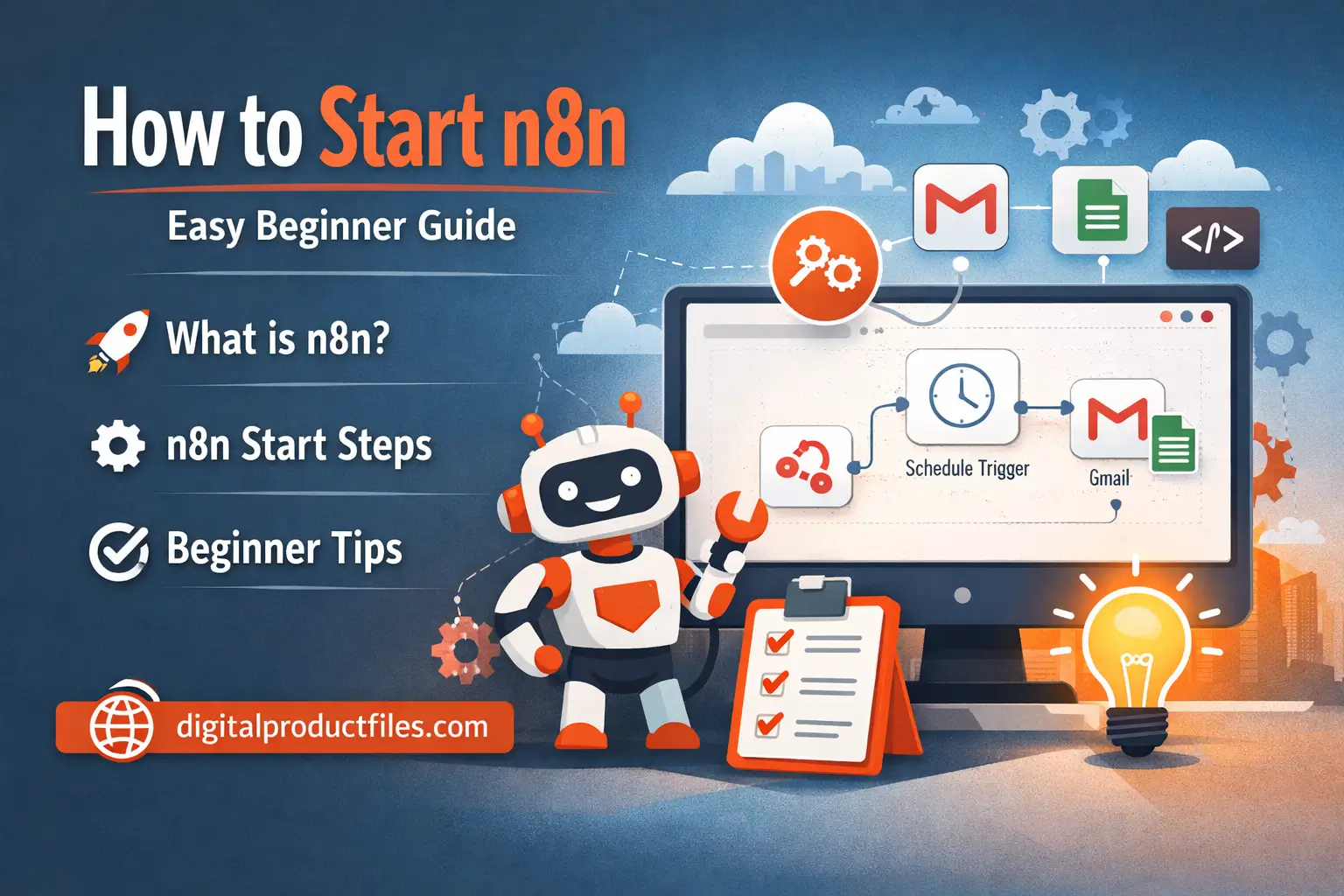
If you want an easy way to automate tasks, n8n is a great place to begin. n8n is a workflow automation platform that helps you connect apps, move data, and build automations with a visual editor. The official docs describe it as a workflow automation tool with quickstarts, integrations, and beginner learning resources.
What is n8n?
- n8n helps you automate repeated work.
- You can connect tools like Gmail, Google Sheets, APIs, and many other apps.
- It is useful for business work, marketing, reporting, lead handling, and AI workflows.
How to do n8n start:
- First, choose how you want to use n8n: n8n Cloud or self-hosted.
- For beginners, the official docs recommend starting with n8n Cloud because it is easier and faster to set up.
Easy n8n tutorial steps:
- Create a new workflow.
- Add a trigger node to start the workflow.
- Add one or more action nodes.
- Connect your app credentials.
- Test the workflow and check the output.
- Turn it on when everything works well.
Best beginner tip:
Start with a simple workflow like Schedule Trigger + Gmail or Google Sheets. n8n’s official learning path and beginner course are made for first-time users and help you understand nodes, logic, credentials, and workflow building step by step.
Other Tutorial for Help you.
b) How to Start Basic Power BI: A Beginner Friendly Guide – Part 3
c) How to Write an eBook and Start an eBook Business Successfully