You have followed the earlier parts of this n8n tutorial, now it is time to build something more practical. One of the best beginner automations in n8n is using Gmail and Google Sheets together. n8n has built-in nodes for both Gmail and Google Sheets, and each node supports many common actions, which makes them a strong starting point for real business workflows.
Why Gmail and Google Sheets are great for beginners
This is a smart n8n start because most people already use email and spreadsheets every day. You can use n8n to send email updates, save leads, track inquiries, or move data from one tool to another without doing the same work again and again. Gmail can handle message-related actions, while Google Sheets can create, update, append, and retrieve spreadsheet data.
Simple workflow idea for Part 4
A very easy workflow is this:
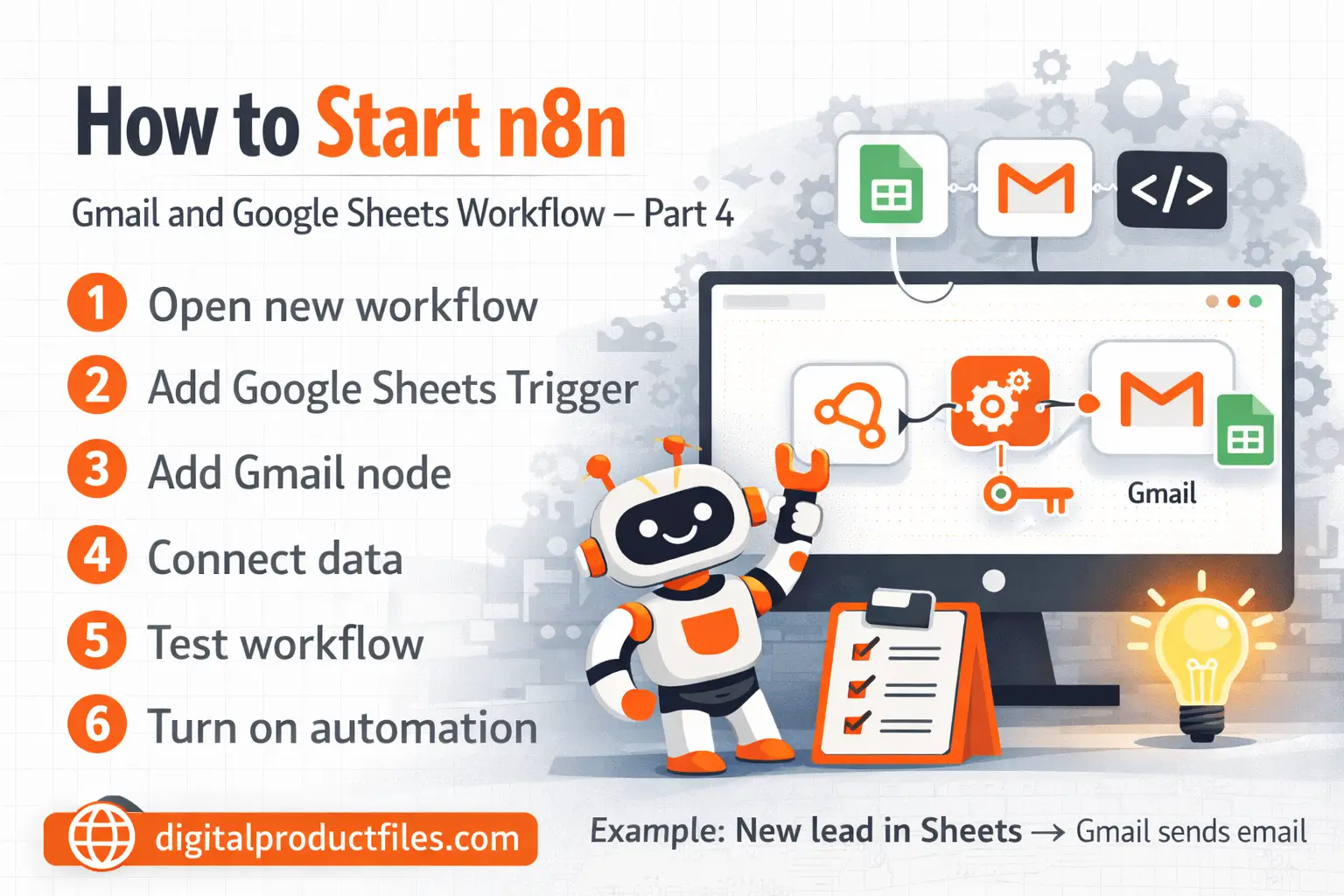
Google Sheets Trigger → Gmail
Here is how it works: when a new row is added to your sheet, n8n can automatically send an email. The Google Sheets Trigger supports events like Row added, Row updated, and Row added or updated, while the Gmail node can send and manage messages.
How to build it
First, add the Google Sheets Trigger node and connect your Google account. Then choose your spreadsheet and the event you want to watch. After that, add the Gmail node and set the action to send a message. Now map the row data from Google Sheets into the email subject or body. This is where n8n starts to feel powerful, because your spreadsheet data can become an automatic email in just a few steps.
Important beginner tip
If you use n8n Cloud, Google sign-in can be easier because many Google credentials support Managed OAuth2. If you are self-hosting, you may need to create a custom OAuth setup in Google Cloud instead. Start small, test every node, and make sure the data looks correct before turning the workflow on.
Some of our Other Post and Products for you. Part 2 and part 3
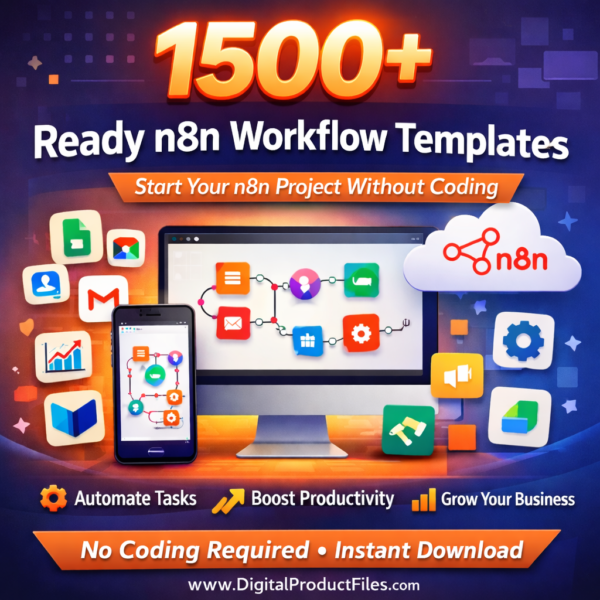
1500 plus n8n Templates – Ready-to-Use
2000+ Ready Excel Files (.XLS) – Editable Excel
1 Million+ USA & EU Consumer Verified Email